Best Tools for Scheduling Social Media Posts: My Six Picks
For a small free queue, I would start with Buffer. PostPiper suits scheduling from AI tools; Later suits visual planning. I would look at Publer for bulk scheduling, Postiz for developer integrations, and Hootsuite if the team also needs a broader social management suite. Your accounts, post formats, and review process will narrow that list.
I'm Kevin Wu, the founder of PostPiper. Building a scheduling product has made me pay close attention to the steps between having an idea and publishing it. When comparing these tools, I look at how a team reviews the copy, checks the schedule, and gets the post out.
I have a commercial interest in PostPiper, which is included here. I also explain when I would choose another tool. This comparison is based on product documentation and pricing. I have not independently tested every service or measured their publishing reliability.
Originally published May 21, 2026. Updated October 27, 2026. By Kevin Wu.
Best tools for scheduling social media posts at a glance
| Tool | Best fit | Entry offer | Main trade-off |
|---|---|---|---|
| Buffer | A few accounts and a small free queue | Free: 3 channels, 10 queued posts per channel. Essentials: $5/channel/month, billed yearly | Paid cost grows with channel count |
| PostPiper | Scheduling from an AI client, API, or calendar | Pro: $10/month for 1,000 successful posts; $25/month for 3,000. Unlimited connected accounts | Scheduling supports X, LinkedIn, and Facebook; analytics are coming soon |
| Later | Visual planning around a defined set of profiles | Starter: $18.75/month, billed yearly; 1 social set, 1 user, 30 posts/profile/month; 14-day trial | Extra social sets and users are unavailable on Starter |
| Publer | Preparing and scheduling content in batches | Free: 3 eligible accounts, 10 queued posts/account. Professional starts at $5/month for 1 account | Free excludes X; bulk scheduling is paid |
| Postiz | Custom integrations and agent workflows | Standard: $29/month for 5 channels; API, MCP, CLI, and webhooks; 7-day trial | Hosted plans have channel limits |
| Hootsuite | Scheduling plus inbox, monitoring, and reporting | Standard: 10 accounts, unlimited scheduling, and a free trial; confirm the current price with Hootsuite | A broader suite to evaluate if all you need is a queue |
These plans include different numbers of accounts, posts, and users. Work out the cost of your full setup before comparing starting prices. Hootsuite's Standard page did not show a fixed subscription price when I checked it; confirm the price with Hootsuite.
What I look for before recommending a scheduler
If you want to schedule from a conversation, use the AI social media scheduler comparison for ChatGPT and Claude to check MCP access and the plan each integration requires.
Before choosing a tool, I check the following:
- Can it publish the exact content I need? Network support alone is not enough. Check account type, media format, and whether the post publishes automatically or needs a manual step.
- What does my complete setup cost? I count every profile and required teammate, then check the billing commitment.
- Can I review and change the plan? I want to see the destination account, final copy, and publishing time before a post goes live.
- What happens after scheduling? Look for clear status information and a way to handle a failed post.
- Do I need more than publishing? Approvals, reporting, an inbox, and listening can determine the choice even when several products can schedule the same post.
Public discussions help put those questions in context. One person looking for a free scheduler wrote:
“Just somewhere I can plan my posts, schedule them ahead of time and see everything on a calendar would be enough.” — r/content_marketing
Another manager described a different constraint:
“My company runs six different brands but only one media manager.” — r/SocialMediaManagers
These are individual comments, not survey results or endorsements. The first person needs a small queue and a calendar. The second needs to manage profiles for several brands alone, so account limits and pricing deserve a closer look.
Buffer: my starting point for a small free queue
I would start with Buffer if I wanted to organize a few accounts on a free plan. Its Free plan includes a queue, an AI Assistant, and API access. Include that automation access when comparing Buffer with products marketed around AI.
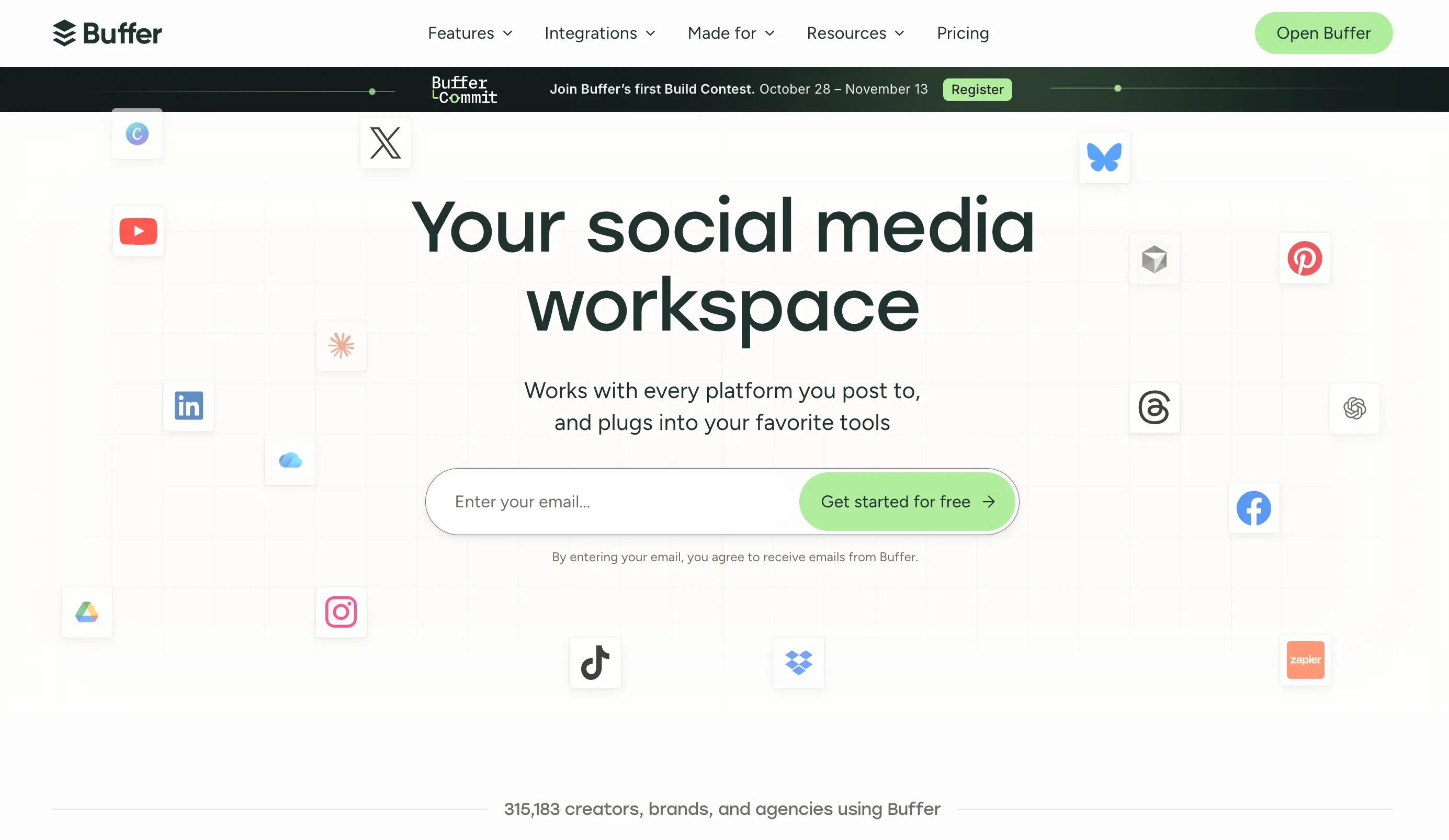
A creator or small business can try the free allowance before deciding whether to pay. The part I would watch is the upgrade cost: Essentials charges by channel, and approvals require checking the Team tier. Add up the channels and features you need, then compare that total with the other packages.
PostPiper: my pick when the workflow starts in an AI tool
I am building PostPiper so people can draft and schedule posts from AI tools, then review the plan on a calendar. Its Pro plans include API access, an MCP server, and unlimited connected accounts. Scheduling supports X, LinkedIn, and Facebook.
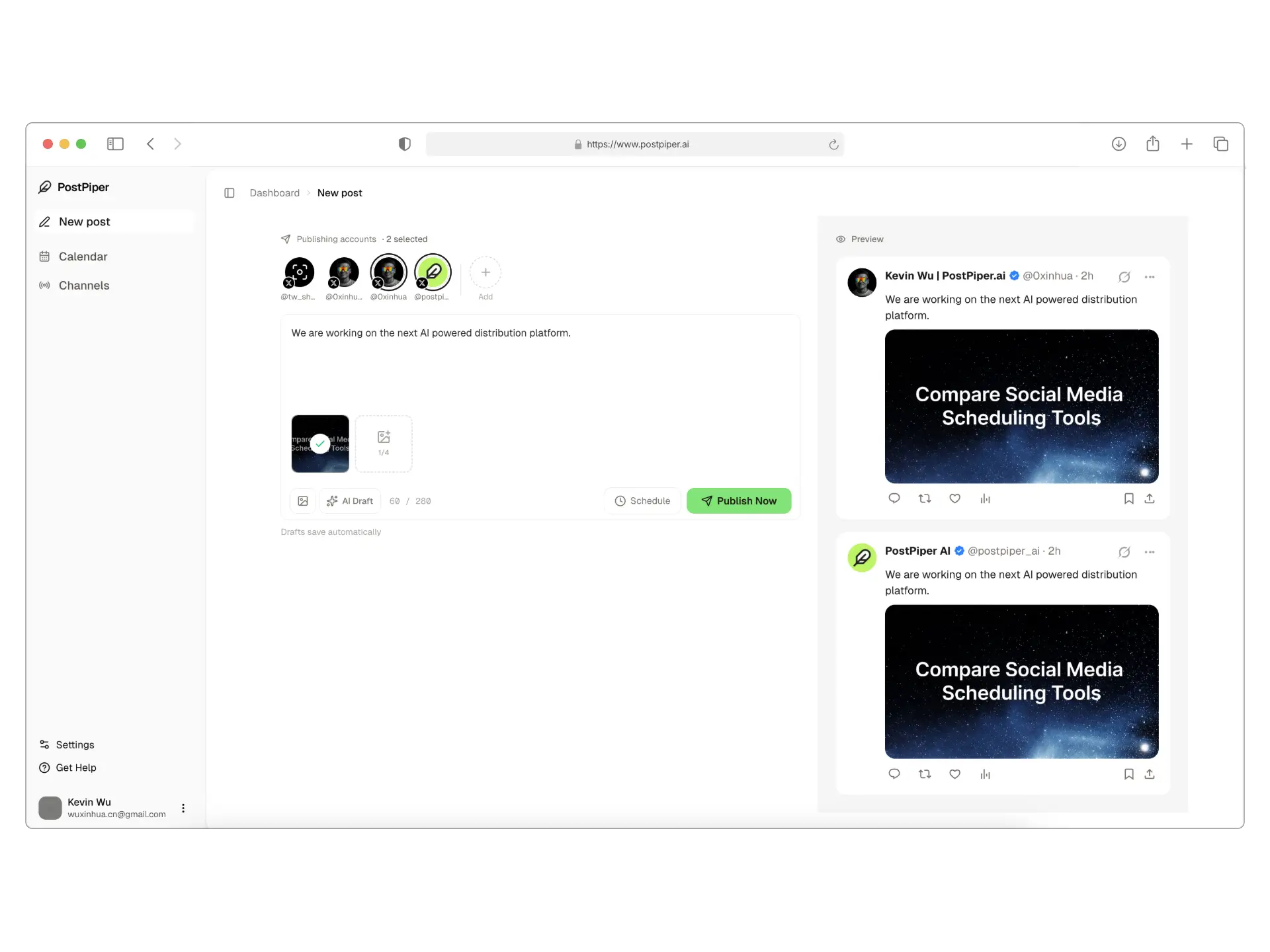
If I already have release notes or a draft in an AI client, I want to turn that material into posts there. I still want to inspect the proposed accounts and times before scheduling. The MCP guide and API quickstart explain those entry points. A request to wait for approval is a workflow instruction; readers should still check what their client is about to execute.
PostPiper suits founders and small teams that want AI-assisted scheduling across its supported networks. Instagram and TikTok scheduling are not currently available, and analytics are listed as coming soon. For a visual campaign or consolidated reporting, I would evaluate another product first. The same applies if you need a specialist workflow PostPiper does not cover. Unlimited accounts refers to account count; network support and post allowances still apply.
Later: my shortlist option for visual planning
Later's Starter plan combines a visual planner with one social set. That set contains one profile from each supported network; it is not a freely interchangeable bundle of profiles. Starter also includes Link in Bio and platform analytics.

I would consider Later for planning images and videos on a content calendar. For several brands, I would check the social sets carefully: two Instagram profiles need a different setup from one Instagram profile and one Facebook profile. Map your accounts to Later's sets before paying annually. Starter will not fit if you need extra sets or users, or more than its per-profile post allowance.
Publer: my option for bulk scheduling
I would consider Publer when I have a batch of approved posts to prepare and schedule together. Its Professional plan includes bulk scheduling, unlimited scheduling and drafts, and X support.
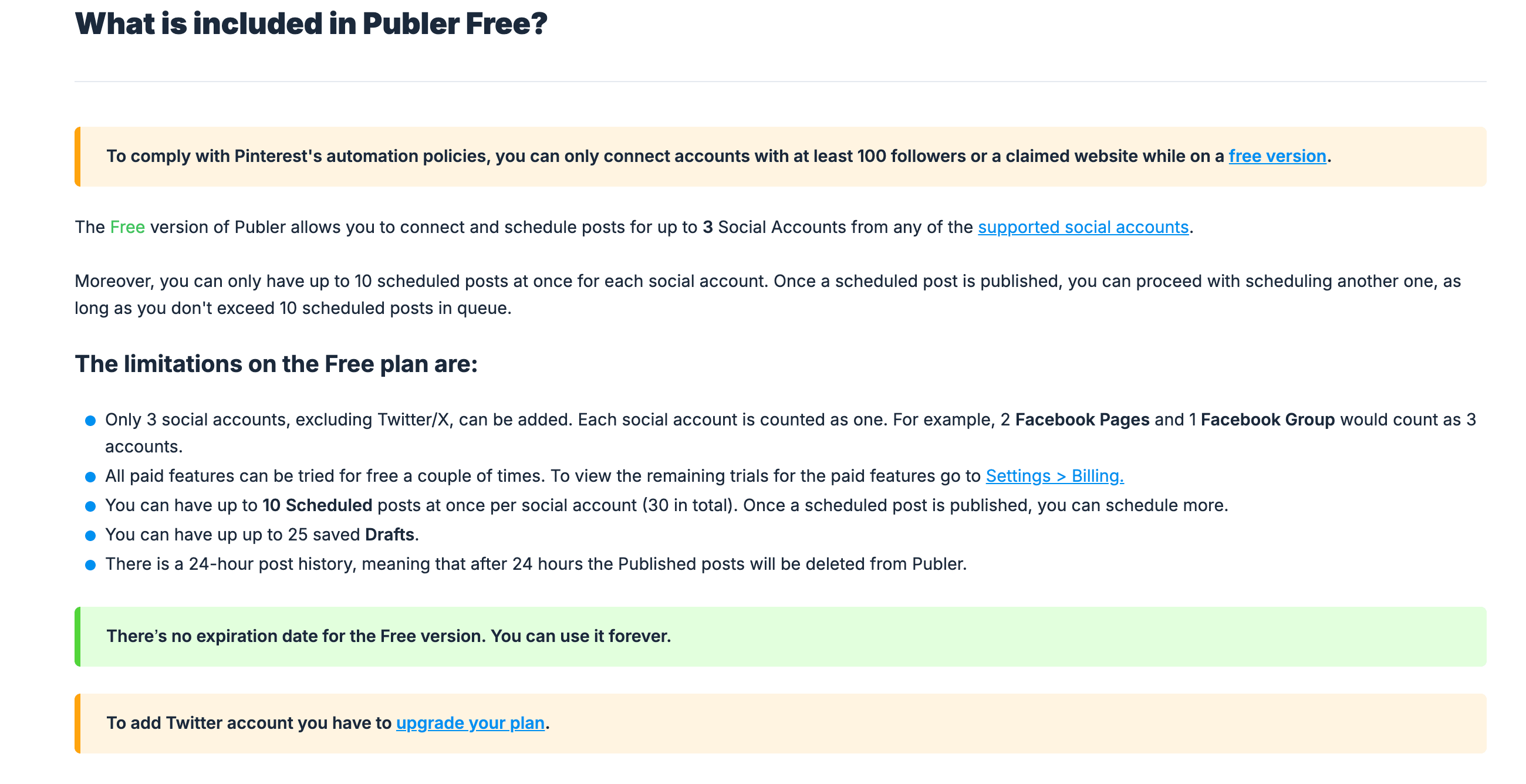
For a larger team, check Business: Publer lists advanced analytics, approval workflows, and eligible API/MCP access under that tier. Account-based purchasing lets you price the accounts and members you need, but the one-account starting price will not cover a whole brand portfolio. I would compare other options if those advanced features pushed the total over budget. The free tier also excludes X.
Postiz: my developer-oriented shortlist option
Postiz puts its MCP server, CLI, public API, and webhooks in every hosted plan. It also lists networks beyond PostPiper's current scheduling coverage, including Instagram, TikTok, and YouTube.
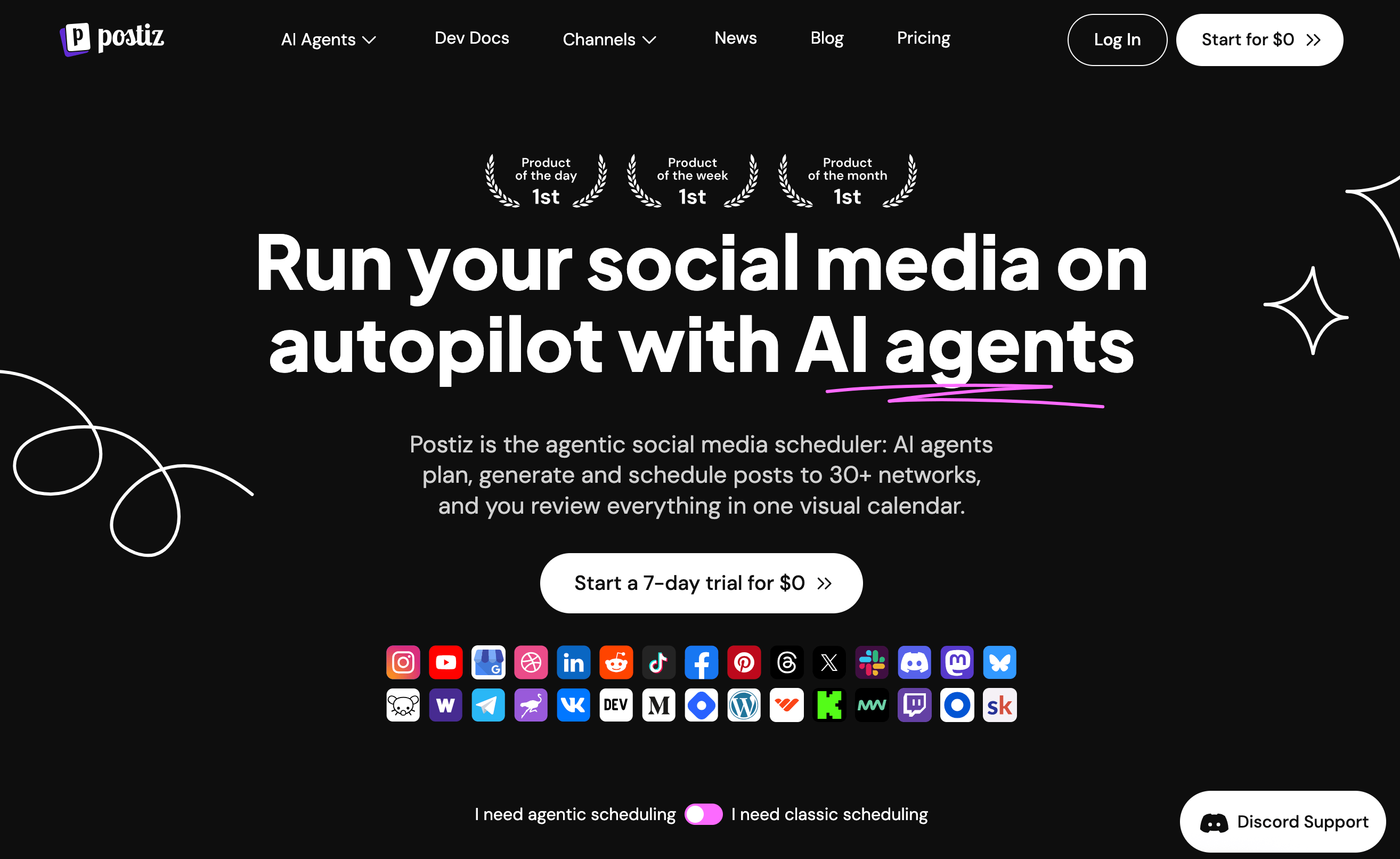
I would compare Postiz closely for an agent or custom integration that needs a developer interface and a wider choice of publishing destinations. Before committing, test a real draft, a scheduled post, and a status check through the interface you plan to use. API access gives you a way to build the integration; you still need to confirm that it supports each step of your workflow. Then price a hosted plan with enough channels for your accounts.
Hootsuite: my option when publishing is only part of the job
Hootsuite Standard combines scheduling with analytics, an inbox, and monitoring. Its page lists ten social accounts and unlimited scheduled posts. That broader package makes sense to evaluate when a team needs to publish, handle messages, and report on its work in one place.
For a small business that only needs a few scheduled updates, I would start with a smaller package. I would consider the broader suite when the business also needs those inbox, monitoring, or reporting workflows. Confirm the subscription price and try the tasks you expect to use before committing. If the extra workflows will sit unused, or the quote exceeds the budget, look at the smaller packages.
Compare the cost of your actual account setup
If you are buying for a small business, compare the tools against your account mix and review process.
Write down every account you need to manage. The two examples below use those account counts to work through the plan limits and costs. They are estimates, not checkout quotes or hands-on test results.
One founder, three profiles, a small queue
If I need no more than ten posts waiting on each of three supported channels, Buffer Free is a reasonable starting point. Publer Free also deserves a look if none of those accounts is X. A queue limit controls posts waiting at once; it is different from a monthly publishing allowance.
I would stay on an ongoing free plan if it covered the work. I would pay for AI features only if they helped with that work.
One operator, six profiles, 120 posts a month
Assume the six profiles are on networks each candidate supports. At Buffer's displayed annual Essentials rate, six channels work out to $30/month, with $360 billed yearly, before taxes. PostPiper's $10/month Pro tier includes enough allowance for 120 successful posts if the destinations are X, LinkedIn, or Facebook. Postiz Standard's five-channel limit would require a different hosted tier for this setup. Calculate Later's required sets and Publer's account count rather than reuse their entry prices.
The price depends on what each service counts: channels, social sets, or posts. Even the cheapest package is unsuitable if it lacks a required network or approval workflow.
Validate the complete publishing workflow
Before moving a campaign, run a low-stakes post through the whole process: connect the right account, create a draft, inspect the media, choose a time zone, schedule, change the time, and confirm the published result. If someone else reviews the work, include them in the trial.
Also check automatic versus notification publishing. Buffer's Instagram documentation explains that eligible professional accounts and supported formats can publish automatically, while other content needs a phone notification and a manual final step. That distinction matters more than a broad “Instagram supported” label.
For shared accounts and review responsibilities, use the team scheduling workflow. For the planning process itself, my social media scheduler guide includes a reusable weekly calendar. If cost is the main constraint, see the free social media schedulers guide.
Frequently asked questions
What is the best software for social media scheduling?
My shortlist is Buffer for a small free queue, PostPiper for AI-tool scheduling, Later for visual planning, Publer for bulk scheduling, Postiz for developer integrations, and Hootsuite for a broader management suite. Choose based on required networks, formats, review needs, and the complete account cost.
Is there a free social media scheduler for multiple accounts?
Yes. Buffer and Publer both offer ongoing free plans for a few accounts. Publer Free excludes X. Check queue limits and supported formats before relying on either plan, and distinguish ongoing free access from a trial or one-time credits.
Which scheduling tool is worth evaluating for AI agents?
My first comparisons for an AI-agent workflow are PostPiper and Postiz, followed by checking the required networks and interfaces. Buffer also lists API access on its Free plan. PostPiper supports scheduling for X, LinkedIn, and Facebook; Postiz lists additional destinations. Test the integration with your own workflow before choosing a tool for its AI features.
Does PostPiper support every social network in this comparison?
No. PostPiper currently supports scheduling for X, LinkedIn, and Facebook. Instagram and TikTok scheduling are not currently available. Unlimited connected accounts on Pro means account count, not support for every network or unlimited posts.
If PostPiper covers the networks and workflows you need, check the current plans. Otherwise, start with the tool that covers the requirement it is missing.